
Tools für ein technisches Security Audit
Tools für ein technisches Security Audit: Netzwerk-Sniffer, Vulnerability-Scanner, Pentest-Werkzeuge und Methodologien zum Aufdecken von Schwachstellen.
Ein technisches Security Audit ist eine entscheidende Maßnahme, um die Sicherheitslage deines Unternehmens zu bewerten und zu stärken. Wie du dabei strukturiert vorgehst, zeigt dir auch das CyberSecurity Assessment. Dieser Beitrag wirft einen Blick auf verschiedene Tools, die dir dabei helfen können, Schwachstellen in deinem Netzwerk aufzudecken und präventive Maßnahmen zu ergreifen. Wir stellen dir eine handverlesene Auswahl an Tools vor, die sowohl leistungsstark als auch benutzerfreundlich sind, um sicherzustellen, dass auch Nicht-Techniker diese effektiv nutzen können.
Beispiele für Technical Security Assessment Methodologien
- NIST SP 800-53A, “Assessing Security and Privacy Controls in Federal Information Systems and
Organizations”
http://nvlpubs.nist.gov/nistpubs/SpecialPublications/NIST.SP.800-53Ar4.pdf - Open Source Security Testing Methodology Manual (OSSTMM)
http://www.isecom.org/research/osstmm.html
System Configuration Checklists
- NIST National Checklist Program Repository
Center for Internet Security Benchmarks - Automated System Configuration Checking Tools
CIS-CAT tool from the Center for Internet Security
NIST system configuration checking tools and products
Ruleset Reviews Durchführen
Consider reviewing rulesets from the following types of systems:
- Network firewalls
- Host-based firewalls
- Routers
- Intrusion detection systems/intrusion prevention systems
Helpful Resources
- SANS Firewall Checklist
- AlgoSec’s Firewall Analyzer
- Firewall Security Manager from SolarWinds
- 360-FAAR (Firewall Analysis Audit and Repair)
Netzwerk
Network Sniffing Tools
Für das Erfassen offener Ports und Dienste lohnt sich vorab ein Blick ins nmap Cheat Sheet.
- dsniff
https://www.monkey.org/~dugsong/dsniff/ - Ettercap
https://ettercap.github.io/ettercap/index.html - Wireshark
https://www.wireshark.org/ - Kismet (for sniffing wireless traffic)
https://kismetwireless.net/ - Tcpdump and libpcap
https://www.tcpdump.org/
Einige gratis Wireless Scanning Applications
- iStumbler (for Macs)
- Xirrus Wi-Fi Inspector
- Vistumbler
- Kismet
Vulnerability Scanner
Lokale Vulnerability Scanners
Bevor du scannst, hilft es oft, den eingesetzten Webserver zu identifizieren, um gezielt nach bekannten Schwachstellen zu suchen.
- Microsoft Baseline Security Analyzer
https://www.microsoft.com/en-us/download/details.aspx?id=7558 - CIS configuration assessment tool (CIS-CAT)
https://benchmarks.cisecurity.org/downloads/audit-tools/ - Tripwire SecureCheq
https://www.tripwire.com/free-tools/securecheq/
Open Source or Free-to-Download Vulnerability Scanners - OpenVAS
https://www.openvas.org/ - Nessus from Tenable (which is free for home users)
https://www.tenable.com/products/nessus/select-your-operating-system - The Nexpose Community edition from Rapid7
https://www.rapid7.com/products/nexpose/download/ - The SCAP Workbench from OpenSCAP
https://www.open-scap.org/tools/scap-workbench/
Some Well-Known Enterprise Vulnerability Scanners - Qualys vulnerability management
https://www.qualys.com/suite/vulnerability-management/ - GFI LanGuard from GFI Software
https://www.gfi.com/products-and-solutions/network-security-soluions/gfi-languard - Retina CS from BeyondTrust
https://www.beyondtrust.com/products/retina-cs/
Tools
File Hashing Tools für Integritätschecks
- Hash Tool
https://www.digitalvolcano.co.uk/hash.html
File Integrity Checking and Monitoring Tools - Aide
https://sourceforge.net/projects/aide/ - Rootkit Hunter
https://sourceforge.net/projects/rkhunter/ - Samhain
https://www.la-samhna.de/samhain/index.html - Tripwire
https://sourceforge.net/projects/tripwire/ - OSSEC
https://github.com/ossec
Ergänzend dazu kannst du unter Linux gezielt auf Ubuntu Viren scannen, um kompromittierte Dateien aufzuspüren.
Types of files an organization might want to monitor for integrity include:
- Key system files such as configuration files and the Windows registry
- Any files containing sensitive information
- Important files that rarely change, such as static webpages
Password
Crackers
- John the Ripper – https://www.openwall.com/john/
- hashcat – https://hashcat.net/hashcat/
- Cain & Abel – https://www.oxid.it/ca_um/
- L0phtCrack – https://www.l0phtcrack.com
Password List
Penetration Testing
Penetration Testing Books
- Penetration Testing: A Hands-On Guide to Hacking
https://www.nostarch.com/pentesting - The Hacker Playbook 2: Practical Guide to Penetration Testing
(https://www.securepla.net/the-hacker-playbook-2/) - Kali Linux 2 – Assuring Security by Penetration Testing
(https://www.packtpub.com/networking-and-servers/kali-linux-2-assuring-security-penetration-
testing-third-edition)
Penetration Testing Platforms
- Metasploit Framework
(https://www.metasploit.com/) - Armitage (a GUI for Metasploit)
(http://www.fastandeasyhacking.com/download/) - Sparta
(http://sparta.secforce.com/)
Penetration Testing Operating Systems
- Kali Linux, based on Debian
(https://www.kali.org/) - Pentoo, based on Gentoo Linux
(http://www.pentoo.ch/) - Backbox, based on Ubuntu
(https://backbox.org/linux)
Mehr aus „Security & Datenschutz"
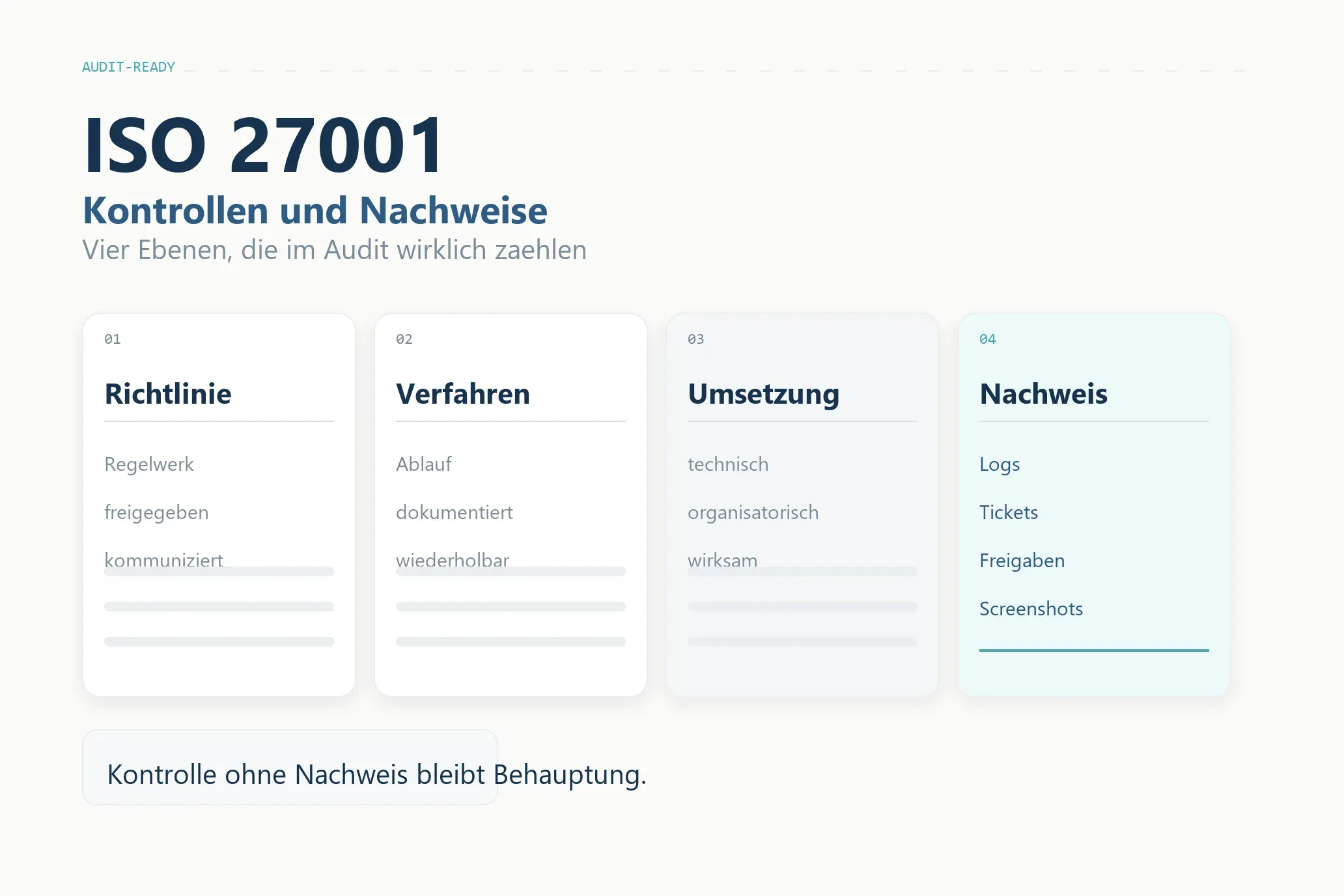
ISO 27001: 16 Kontrollbereiche und die Nachweise, die im Audit zählen
ISO 27001 verständlich erklärt: die 16 zentralen Kontrollbereiche mit den Richtlinien, Verfahren und Nachweisen, die im Audit zählen.
Weiterlesen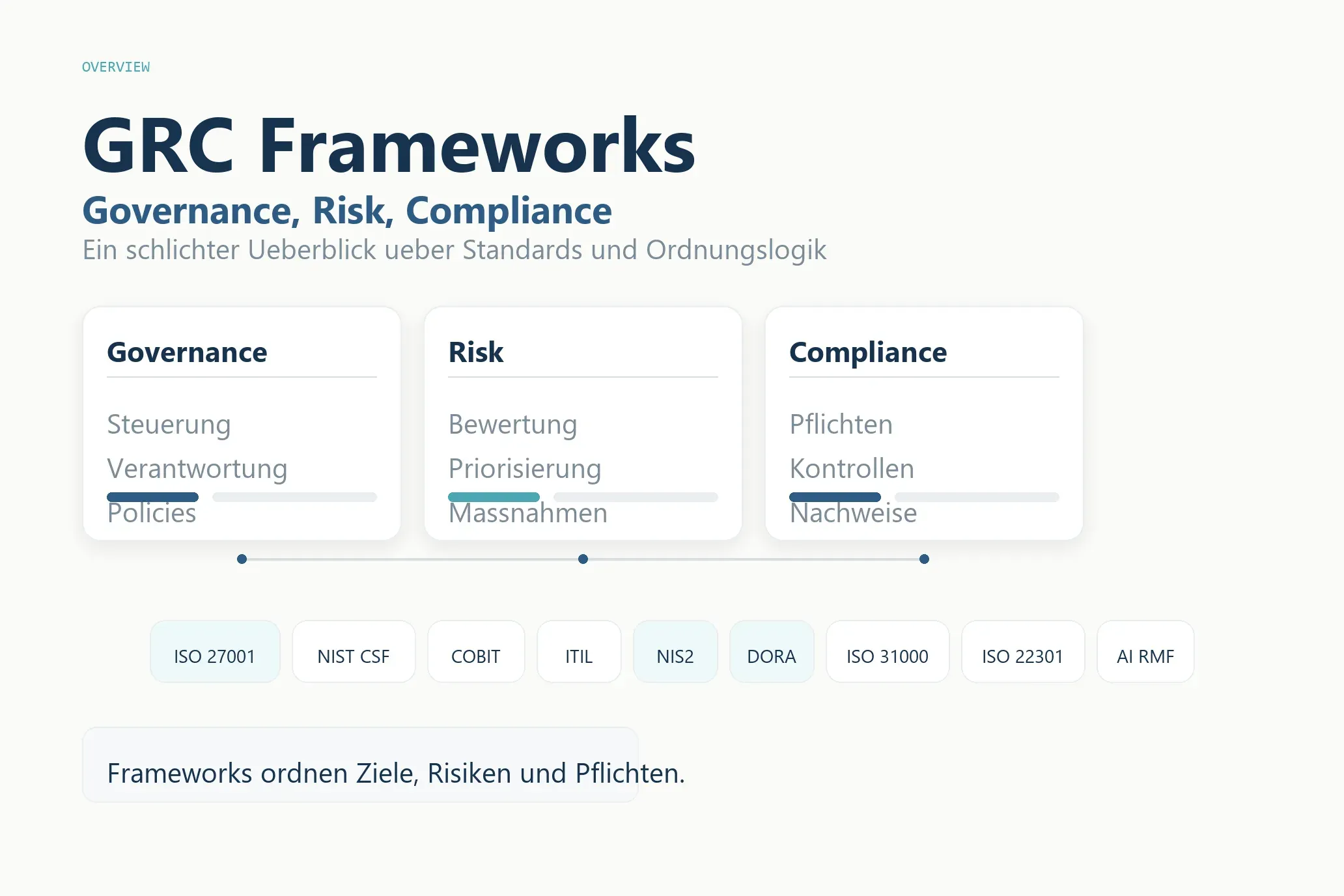
GRC-Frameworks im Überblick: die wichtigsten Standards für Governance, Risk und Compliance
GRC-Frameworks kompakt erklärt: ISO 27001, NIST, COBIT, ITIL, NIS2, DORA und mehr – für wen sie gedacht sind und welchen Nutzen sie im Alltag bringen.
WeiterlesenChatGPT für CISOs
ChatGPT für CISOs: So nutzt Du das LLM im ISMS für Richtlinien, Risikoanalysen und NIS2-Umsetzung, inkl. praxiserprobter Prompts und ISO27001-Workflow.
WeiterlesenÜber diesen Blog
Ein Sammelsurium an Denkanstößen.
Hier sammle ich Wissen, Argumente und Links zu allem, was mich beschäftigt — von Technik über Küche bis Nachhaltigkeit. Beruflich berate ich zu Cybersecurity.