
nmap – Cheat Sheet
nmap-Befehle zum Mitnehmen: Portscans, Service- und Versionserkennung, Traceroute, SSL-Zertifikate, Brute Force und Vuln-Scans samt aller Parameter.
Nmap steht für „Network Mapper“ und wird vornehmlich für die Netzwerkerkennung und Sicherheitsüberwachung verwendet. Es gehört damit zu den Werkzeugen für ein technisches Security Audit. Ich finde es auch nützlich für Aufgaben wie Netzwerkinventarisierung, Verwalten von Service-Upgrade-Zeitplänen SNMP discovery und Überwachen der Host- oder Service-Verfügbarkeiten.
Nicht vergessen: nmap unter Linux immer mit root Rechten ausführen.
Installation
Ubuntu
sudo apt install -y nmapWindows
https://nmap.org/book/inst-windows.html
Port scanning
Schneller scan
nmap -Pn stackoverflow.comGesamter TCP Port Scan inclusive Service/Version (-sV) Erkennung
nmap -p 1-65535 -Pn -sV -sS -T4 stackoverflow.comWie du aus solchen Service-Bannern den Webserver identifizieren kannst, beschreibe ich in einem eigenen Beitrag.
Scanen eines bestimmten Ports
nmap -Pn -p 22,80,443 stackoverflow.comFinde Linux Geräte in einem localen Netzwerk (anhand dem offenen ssh Port)
nmap -p 22 --open -sV 10.0.0.0/24Welcher Prozess hinter einem offenen Port steckt, zeigt dir direkt am Host das lsof Cheat Sheet.
Trace traffic
Nachverfolgung eines Verkehrs auf einem bestimmten Port.
nmap --traceroute -p 80 stackoverflow.comNachverfolgung inclusive auflösung der Geolocation
nmap --traceroute --script traceroute-geolocation.nse -p 80 stackoverflow.comSSL Server Zertifikat
Anzeigen des SSL Zertifikats
nmap --script ssl-cert -p 443 -Pn stackoverflow.comAnzeigen der verwendeten Verschlüsselungsalgorithmen
nmap --script ssl-enum-ciphers -p 443 stackoverflow.comBrute Force
„FTP“ Brute Force
nmap --script ftp-brute --script-args userdb=users.txt,passdb=passwords.txt -p 21 -Pn stackoverflow.com„HTTP Basic Authentication“ – Brute force
nmap --script http-brute -script-args http-brute.path=/evifile-bb-demo,userdb=users.txt,passdb=passwords.txt -p 80 -Pn stackoverflow.com„WordPress“ Bruteforce
nmap -sV --script http-wordpress-brute --script-args userdb=users.txt,passdb=passwords.txt,http-wordpress-brute.hostname=stackoverflow.com,http-wordpress-brute.threads=10 -p 80 stackoverflow.comWie du dich gegen genau solche Angriffe schützt, zeige ich dir unter WordPress absichern.
Attacks
Schwachstellen im sicheren Modus finden
nmap --script default,safe -Pn stackoverflow.comSchwachstellen im unsicheren Modus finden
nmap --script vuln -Pn stackoverflow.comDDos Attacke ausführen
nmap --script dos -Pn stackoverflow.comErkannte Sicherheitslücken ausnutzen
nmap --script exploit -Pn stackoverflow.comInteressante Infos auf anderen Seiten
Eine gut ausgearbeitete Liste von NMAP NSE Scripts gibt es hier:
https://www.infosecmatter.com/ultimate-list-of-nmap-nse-scripts-interactive-table/
Alle Parameter
Nmap 7.80 ( https://nmap.org )
Usage: nmap [Scan Type(s)] [Options] {target specification}
TARGET SPECIFICATION:
  Can pass hostnames, IP addresses, networks, etc.
  Ex: scanme.nmap.org, microsoft.com/24, 192.168.0.1; 10.0.0-255.1-254
  -iL <inputfilename>: Input from list of hosts/networks
  -iR <num hosts>: Choose random targets
  --exclude <host1[,host2][,host3],...>: Exclude hosts/networks
  --excludefile <exclude_file>: Exclude list from file
HOST DISCOVERY:
  -sL: List Scan - simply list targets to scan
  -sn: Ping Scan - disable port scan
  -Pn: Treat all hosts as online -- skip host discovery
  -PS/PA/PU/PY[portlist]: TCP SYN/ACK, UDP or SCTP discovery to given ports
  -PE/PP/PM: ICMP echo, timestamp, and netmask request discovery probes
  -PO[protocol list]: IP Protocol Ping
  -n/-R: Never do DNS resolution/Always resolve [default: sometimes]
  --dns-servers <serv1[,serv2],...>: Specify custom DNS servers
  --system-dns: Use OS's DNS resolver
  --traceroute: Trace hop path to each host
SCAN TECHNIQUES:
  -sS/sT/sA/sW/sM: TCP SYN/Connect()/ACK/Window/Maimon scans
  -sU: UDP Scan
  -sN/sF/sX: TCP Null, FIN, and Xmas scans
  --scanflags <flags>: Customize TCP scan flags
  -sI <zombie host[:probeport]>: Idle scan
  -sY/sZ: SCTP INIT/COOKIE-ECHO scans
  -sO: IP protocol scan
  -b <FTP relay host>: FTP bounce scan
PORT SPECIFICATION AND SCAN ORDER:
  -p <port ranges>: Only scan specified ports
    Ex: -p22; -p1-65535; -p U:53,111,137,T:21-25,80,139,8080,S:9
  --exclude-ports <port ranges>: Exclude the specified ports from scanning
  -F: Fast mode - Scan fewer ports than the default scan
  -r: Scan ports consecutively - don't randomize
  --top-ports <number>: Scan <number> most common ports
  --port-ratio <ratio>: Scan ports more common than <ratio>
SERVICE/VERSION DETECTION:
  -sV: Probe open ports to determine service/version info
  --version-intensity <level>: Set from 0 (light) to 9 (try all probes)
  --version-light: Limit to most likely probes (intensity 2)
  --version-all: Try every single probe (intensity 9)
  --version-trace: Show detailed version scan activity (for debugging)
SCRIPT SCAN:
  -sC: equivalent to --script=default
  --script=<Lua scripts>: <Lua scripts> is a comma separated list of
           directories, script-files or script-categories
  --script-args=<n1=v1,[n2=v2,...]>: provide arguments to scripts
  --script-args-file=filename: provide NSE script args in a file
  --script-trace: Show all data sent and received
  --script-updatedb: Update the script database.
  --script-help=<Lua scripts>: Show help about scripts.
           <Lua scripts> is a comma-separated list of script-files or
           script-categories.
OS DETECTION:
  -O: Enable OS detection
  --osscan-limit: Limit OS detection to promising targets
  --osscan-guess: Guess OS more aggressively
TIMING AND PERFORMANCE:
  Options which take <time> are in seconds, or append 'ms' (milliseconds),
  's' (seconds), 'm' (minutes), or 'h' (hours) to the value (e.g. 30m).
  -T<0-5>: Set timing template (higher is faster)
  --min-hostgroup/max-hostgroup <size>: Parallel host scan group sizes
  --min-parallelism/max-parallelism <numprobes>: Probe parallelization
  --min-rtt-timeout/max-rtt-timeout/initial-rtt-timeout <time>: Specifies
      probe round trip time.
  --max-retries <tries>: Caps number of port scan probe retransmissions.
  --host-timeout <time>: Give up on target after this long
  --scan-delay/--max-scan-delay <time>: Adjust delay between probes
  --min-rate <number>: Send packets no slower than <number> per second
  --max-rate <number>: Send packets no faster than <number> per second
FIREWALL/IDS EVASION AND SPOOFING:
  -f; --mtu <val>: fragment packets (optionally w/given MTU)
  -D <decoy1,decoy2[,ME],...>: Cloak a scan with decoys
  -S <IP_Address>: Spoof source address
  -e <iface>: Use specified interface
  -g/--source-port <portnum>: Use given port number
  --proxies <url1,[url2],...>: Relay connections through HTTP/SOCKS4 proxies
  --data <hex string>: Append a custom payload to sent packets
  --data-string <string>: Append a custom ASCII string to sent packets
  --data-length <num>: Append random data to sent packets
  --ip-options <options>: Send packets with specified ip options
  --ttl <val>: Set IP time-to-live field
  --spoof-mac <mac address/prefix/vendor name>: Spoof your MAC address
  --badsum: Send packets with a bogus TCP/UDP/SCTP checksum
OUTPUT:
  -oN/-oX/-oS/-oG <file>: Output scan in normal, XML, s|<rIpt kIddi3,
     and Grepable format, respectively, to the given filename.
  -oA <basename>: Output in the three major formats at once
  -v: Increase verbosity level (use -vv or more for greater effect)
  -d: Increase debugging level (use -dd or more for greater effect)
  --reason: Display the reason a port is in a particular state
  --open: Only show open (or possibly open) ports
  --packet-trace: Show all packets sent and received
  --iflist: Print host interfaces and routes (for debugging)
  --append-output: Append to rather than clobber specified output files
  --resume <filename>: Resume an aborted scan
  --stylesheet <path/URL>: XSL stylesheet to transform XML output to HTML
  --webxml: Reference stylesheet from Nmap.Org for more portable XML
  --no-stylesheet: Prevent associating of XSL stylesheet w/XML output
MISC:
  -6: Enable IPv6 scanning
  -A: Enable OS detection, version detection, script scanning, and traceroute
  --datadir <dirname>: Specify custom Nmap data file location
  --send-eth/--send-ip: Send using raw ethernet frames or IP packets
  --privileged: Assume that the user is fully privileged
  --unprivileged: Assume the user lacks raw socket privileges
  -V: Print version number
-h: Print this help summary page.Mehr aus „Security & Datenschutz"

ISO 27001: 16 Kontrollbereiche und die Nachweise, die im Audit zählen
ISO 27001 verständlich erklärt: die 16 zentralen Kontrollbereiche mit den Richtlinien, Verfahren und Nachweisen, die im Audit zählen.
Weiterlesen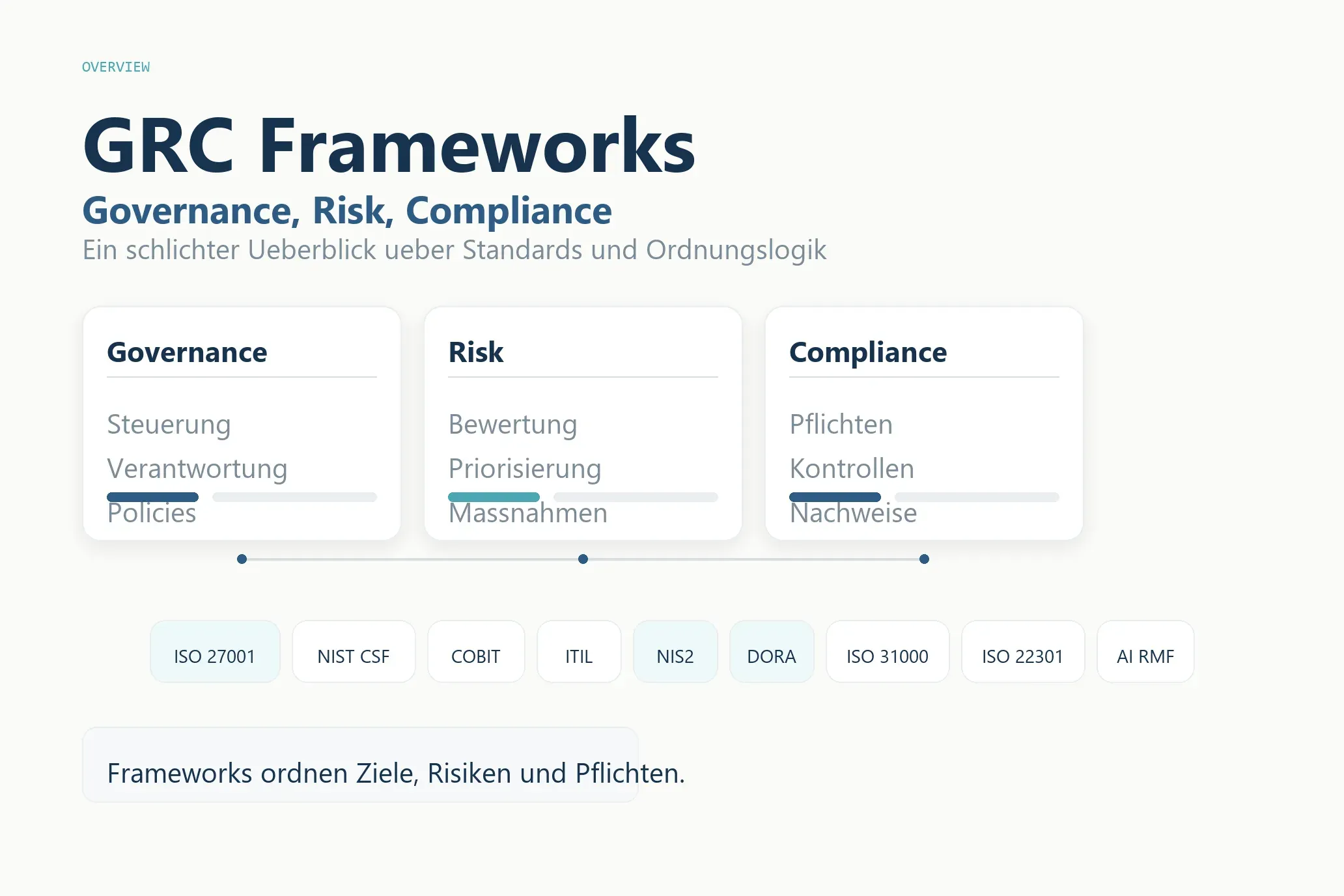
GRC-Frameworks im Überblick: die wichtigsten Standards für Governance, Risk und Compliance
GRC-Frameworks kompakt erklärt: ISO 27001, NIST, COBIT, ITIL, NIS2, DORA und mehr – für wen sie gedacht sind und welchen Nutzen sie im Alltag bringen.
WeiterlesenChatGPT für CISOs
ChatGPT für CISOs: So nutzt Du das LLM im ISMS für Richtlinien, Risikoanalysen und NIS2-Umsetzung, inkl. praxiserprobter Prompts und ISO27001-Workflow.
WeiterlesenÜber diesen Blog
Ein Sammelsurium an Denkanstößen.
Hier sammle ich Wissen, Argumente und Links zu allem, was mich beschäftigt — von Technik über Küche bis Nachhaltigkeit. Beruflich berate ich zu Cybersecurity.